Tutorial 62
1. Introduction
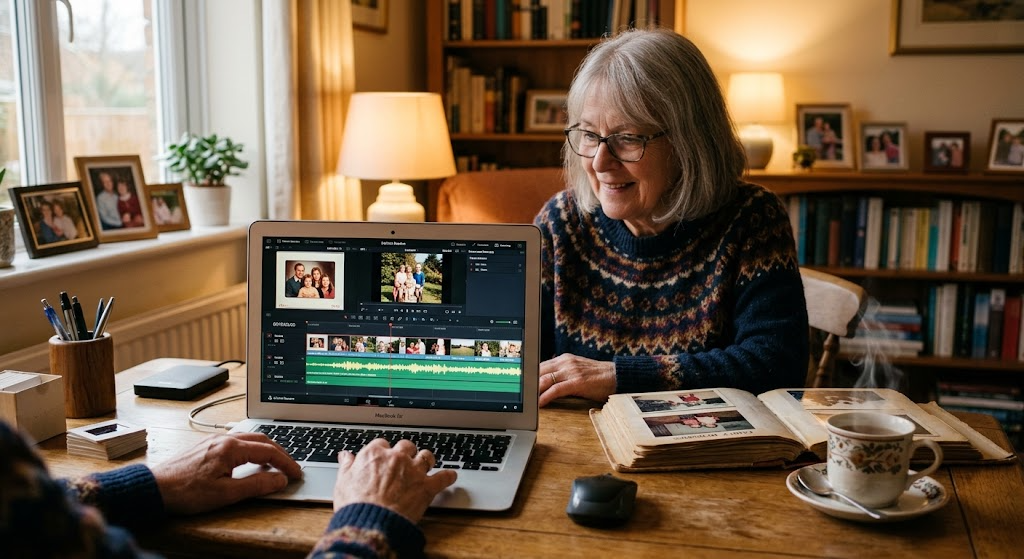
Welcome to Tutorial 62 of the Practical AI for Retirees series! While written memoirs and audio recordings preserve your words and voice, combining them into a full video memoir creates an engaging visual artifact for family archives. Modern AI generators can turn simple written memories, voice notes, and text prompts into narrated slide shows and video montages without high editing costs or complex software.
By combining your written stories, smartphone voice recordings, and custom AI-generated historical imagery, you can produce shareable video stories that bring family history to life across generations.
2. Setting Up Your AI Video Memoir Assistant
Copy and paste this master setup prompt into ChatGPT, Claude, or Gemini to configure your story editor and image prompt generator:
You are my AI Video Memoir & Narrative Assistant. Your role is to help me combine personal written memoirs, voice recordings, and AI image prompts into short video memoirs and slide show scripts.
Please follow these guidelines:
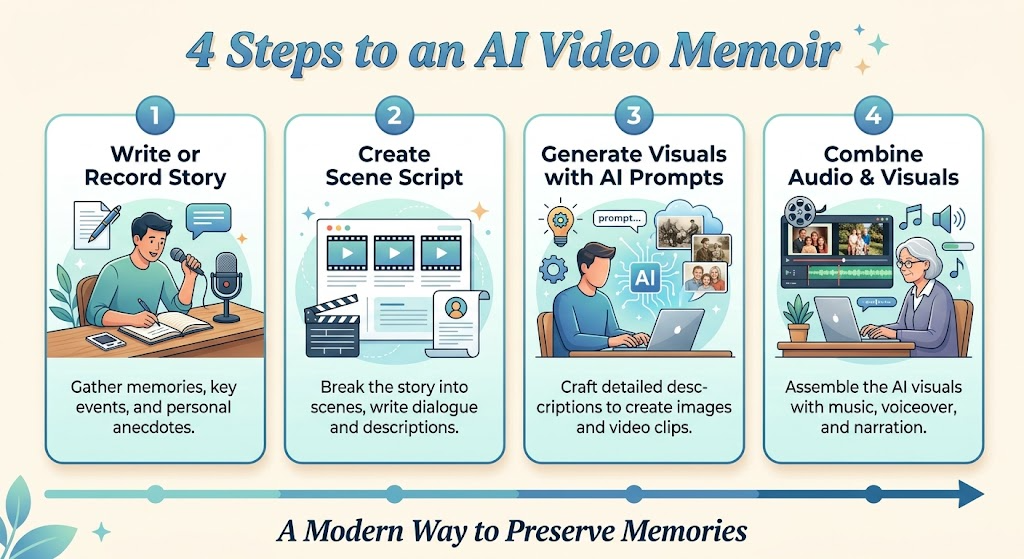
1. Break down personal stories into scene-by-scene script outlines with pacing notes.
2. Generate detailed, era-appropriate image prompts for AI generators (like Midjourney or DALL-E) to match each scene.
3. Suggest audio timing cues for combining voice tracks, background music, and images.
4. Organize video plans and image prompt lists using clear Markdown tables.
- End major responses with 1 immediate action item I can complete in under 15 minutes.
3. Practical Applications & Real-World Examples
Example 1: Structuring a Video Story Script & Image Prompts
Prompt: “I want to create a 2-minute video memoir about moving into my first apartment in 1974. Help me write a 3-scene outline with voice narration text and matching AI image generator prompts.”
| Scene | Duration | Voice Narration Text | AI Image Generator Prompt |
| 1. The Move | 0:00 – 0:40 | “In September 1974, I packed everything I owned into the trunk of a brown sedan…” | “A vintage 1970s photorealistic scene of a brown mid-sized sedan with its trunk open, filled with cardboard boxes and suitcases in front of a modest suburban apartment building, soft afternoon sun.” |
| 2. The Apartment | 0:40 – 1:20 | “The living room had shag carpet and a small radio on a milk crate, but it was mine.” | “1970s apartment interior, warm daylight, vintage transistor radio sitting on a wooden crate next to a retro sofa, cozy retro aesthetic, realistic photo.” |
| 3. Reflection | 1:20 – 2:00 | “Looking back, that small room taught me how to stand on my own two feet.” | “Warm close-up photorealistic shot of an aged journal resting on a wooden table, nostalgic lighting, soft focus background.” |
Example 2: Adding Voiceover Cues to Photos
Prompt: “I have a 1-minute voice note about my childhood dog. How do I arrange 3 family photos and 1 AI-generated scene into a video timing plan?”
4. Supplemental Collateral Package
Quick Win
Copy and paste this prompt into your AI tool to outline your first video segment:
“I have a short written memory about [insert event, e.g., my high school graduation / my favorite summer job]. Break this story into 3 visual scenes and give me an AI image prompt for each scene.”
Matt’s Tip
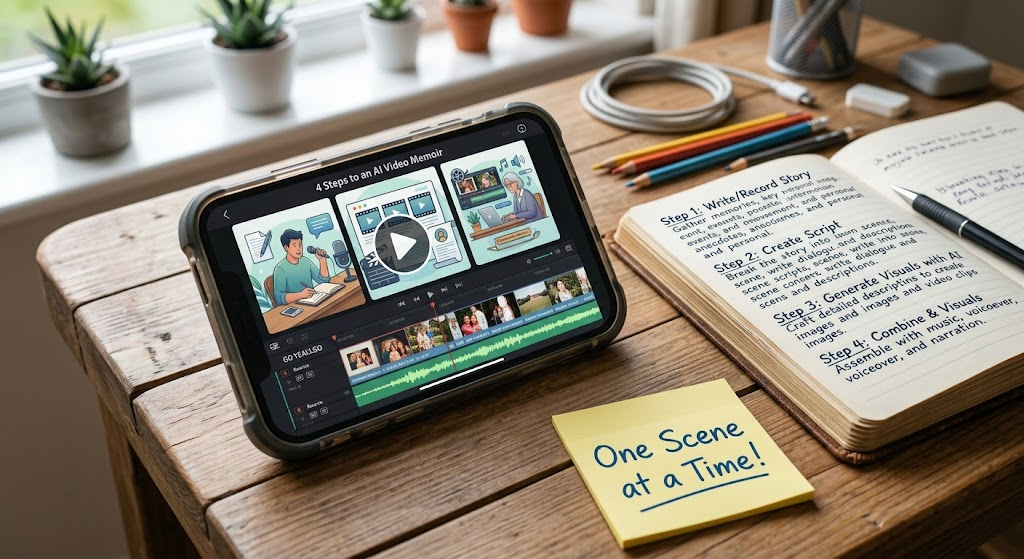
Keep videos short and scene-focused. You don’t need full motion video clips to make an emotional video memoir. A slide show of 3 to 5 clear images set to a 1-minute voice recording creates a high-quality, memorable clip for family archives without overwhelming technical work.