Tutorial 14

Building a website is something ordinary retirees can do.
Goal of this Tutorial
By the end of this tutorial, members will have:
- A clear plan for a simple website
- The confidence to build pages with AI assistance
- A website structure that attracts visitors
- A foundation for selling digital products and growing an email list
- A valuable online asset that works 24 hours a day
Introduction
Many retirees believe that building a website is complicated, expensive, or only for technical people.
That may have been true years ago.
Today, AI has changed everything.
You no longer need to know how to code or hire an expensive web designer to create a professional-looking website. AI can help you write pages, generate ideas, improve your wording, create images, and even plan the structure of your site.
Your website becomes your online home—a place where people can learn about you, download your free resources, join your email list, and eventually purchase your digital products.
Even a simple website can work for you day and night, introducing your work to new visitors while you spend time with family, travel, or enjoy retirement.
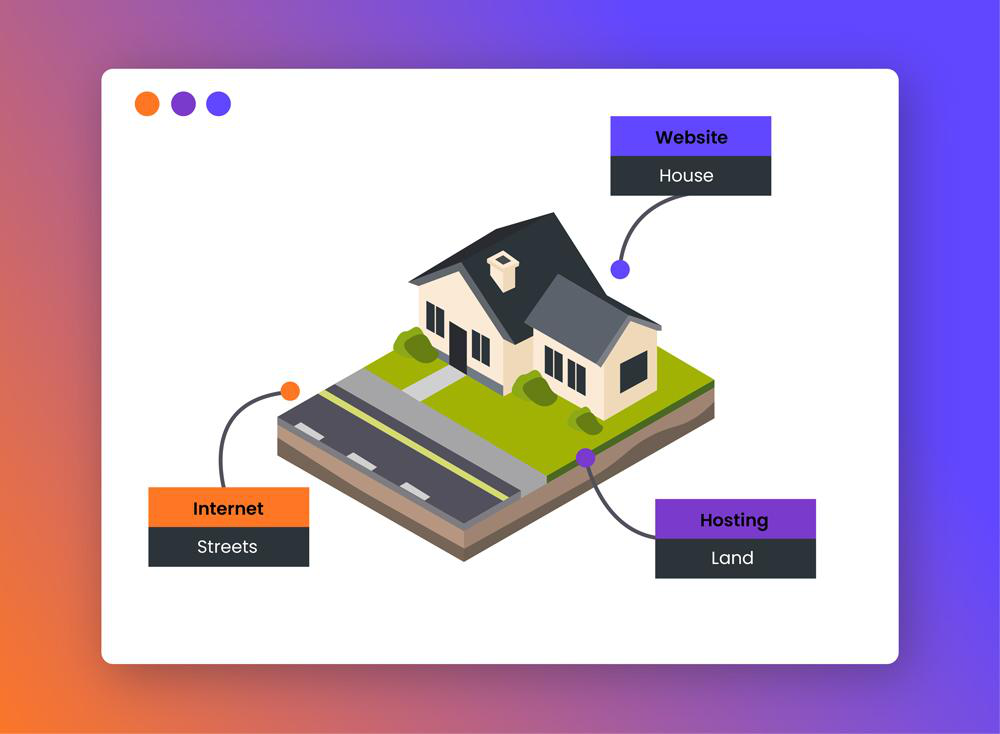
.Think of your website as your online home that works for you 24 hours a day.
Why Every Retiree Needs a Website
Think of your website as your digital office.
Unlike social media, which depends on changing algorithms, your website is something you own and control.
It can:
- Introduce visitors to your work
- Build trust
- Share helpful articles
- Collect email subscribers
- Sell ebooks and printable resources
- Promote your membership
- Recommend useful AI tools
- Become the hub of your online business
Keep It Simple
Many beginners try to create a website with dozens of pages.
Don’t.
Start with just five essential pages:
Home
Explain who you help and how.
About
Tell your story and why you created the website.
Blog
Share practical, helpful articles.
Free Resources
Offer a downloadable guide to encourage visitors to join your email list.
Contact
Give visitors a way to reach you.
You can always add more pages later.
How AI Helps
AI can assist with nearly every stage of website creation.
Ask it to:
- Suggest headlines
- Improve page wording
- Write introductions
- Create FAQs
- Generate blog ideas
- Rewrite confusing paragraphs
- Draft calls to action
- Brainstorm lead magnets
- Create image ideas
- Proofread your content
Think of AI as your writing partner rather than your replacement.
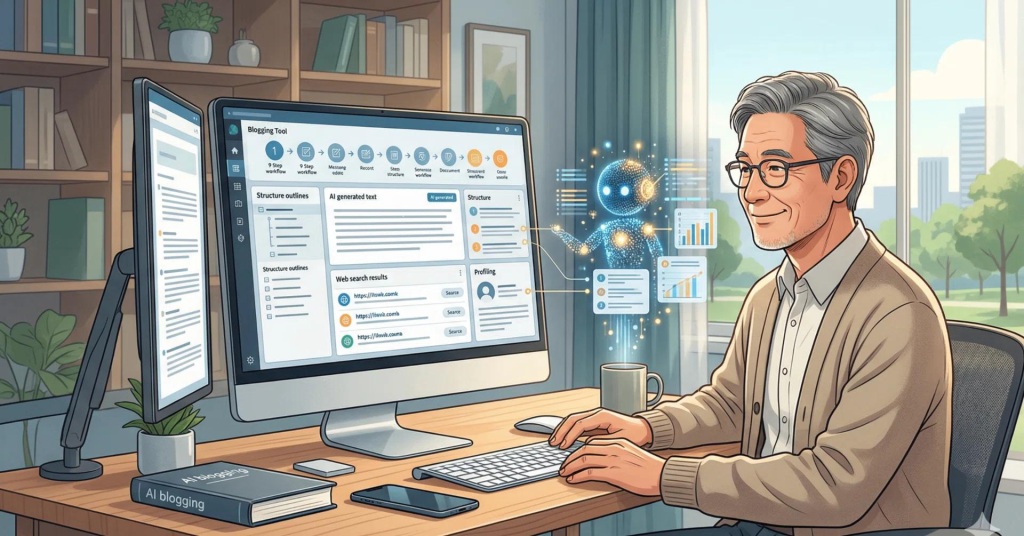
AI becomes your writing partner—not your replacement.
The Home Page Formula
A strong homepage answers four questions quickly:
Who is this for?
For example:
Practical AI for Retirees.
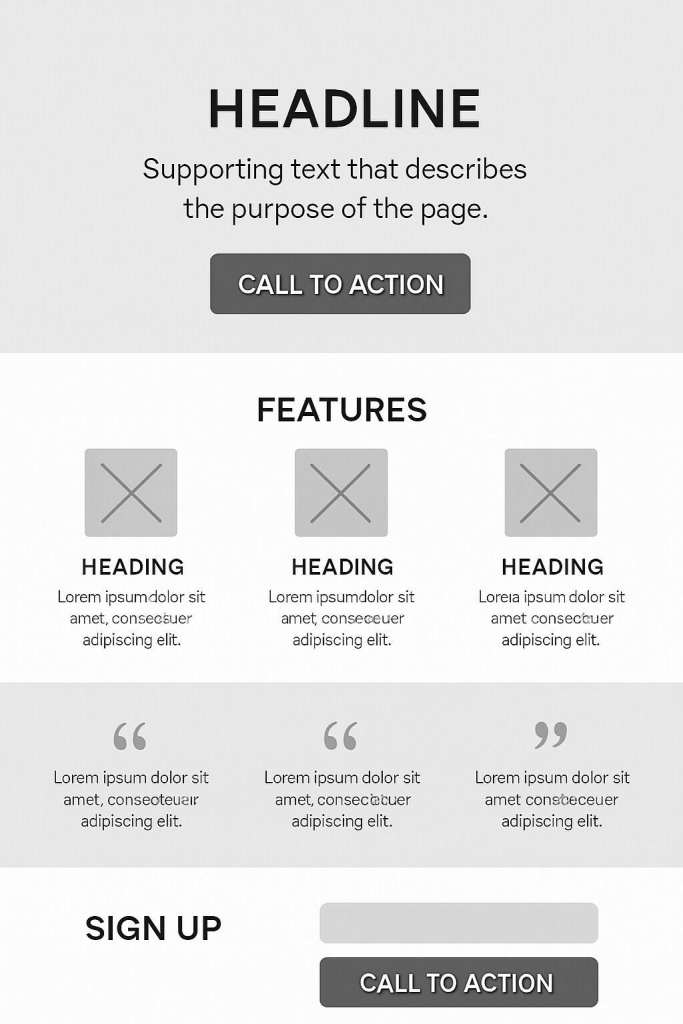
What problem do you solve?
Helping retirees save time, build confidence, and create extra income using AI.
What should visitors do next?
Download a free guide.
Why should they trust you?
Share a short, genuine introduction and your experience.
Write Like You’re Talking to a Friend
One of the biggest mistakes new website owners make is trying to sound too formal.
Instead, write as though you’re helping a neighbour over a cup of coffee.
Use:
- Short sentences
- Everyday language
- Practical examples
- Encouraging words
This style is especially effective for retirees who appreciate clear, friendly communication.
Building Trust
Visitors are more likely to return if they trust your website.
You can build trust by:
- Using your own words
- Keeping promises realistic
- Explaining things simply
- Updating content regularly
- Offering genuinely useful free resources
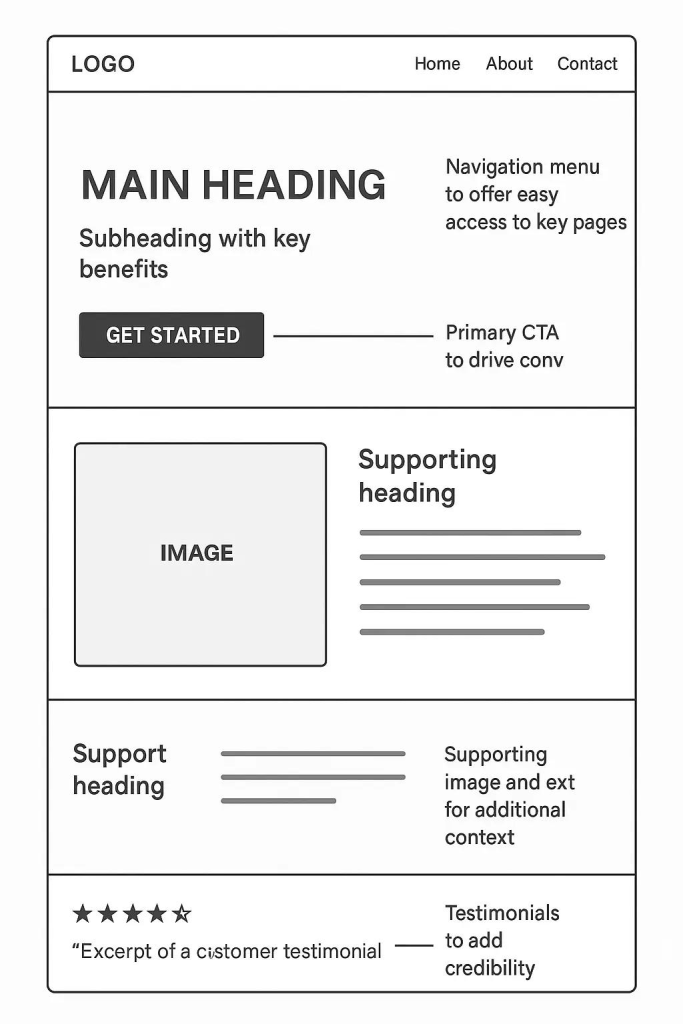
Your Website Grows Over Time
Your first version doesn’t have to be perfect.
Most successful websites improve gradually.
Aim for progress rather than perfection.
Publish helpful content consistently and refine your site as you learn more.
Suggested AI Prompts
Homepage
Help me write a welcoming homepage for a website that teaches retirees how to use AI to save time and create extra income.
About Page
Write a friendly About page that explains why I enjoy helping retirees learn practical AI.
Blog Ideas
Suggest 30 beginner-friendly blog topics for retirees who are interested in AI.
Calls to Action
Give me 20 friendly call-to-action ideas encouraging visitors to download my free AI guide.
Frequently Asked Questions
Create ten frequently asked questions about using AI for beginners over the age of 50.
Mini Challenge
This week, sketch your website on a single sheet of paper.
Draw five boxes representing your pages:
- Home
- About
- Blog
- Free Resources
- Contact
Under each box, write three things visitors should find there.
This simple exercise helps you focus on the purpose of each page before you build it.

Planning on paper first makes building your website much easier.