Tutorial 51
1. Introduction
Welcome to Tutorial 51 of the Practical AI for Retirees series!
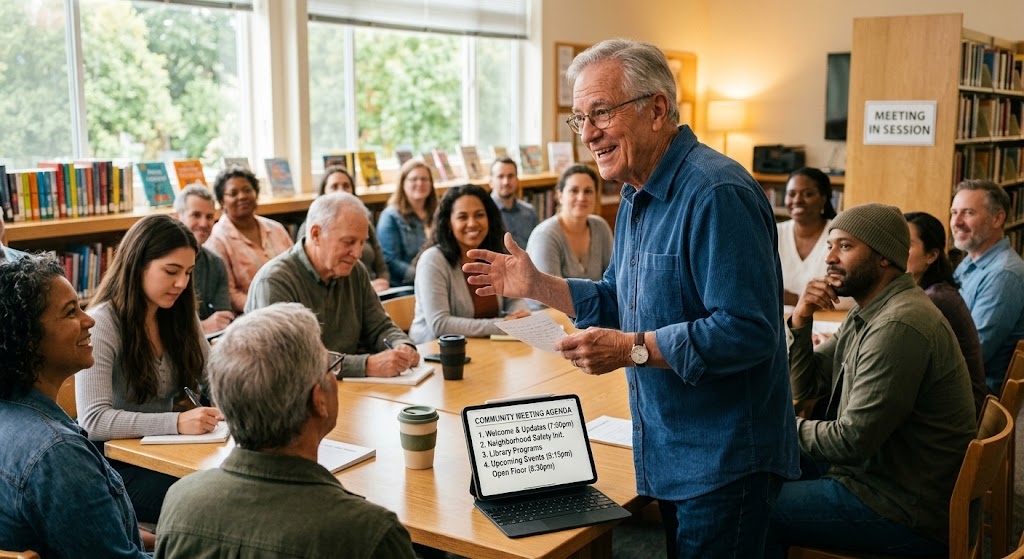
Retirement provides a unique opportunity to give back to local communities, support non-profit organizations, and lead local initiatives. However, managing committee work, writing grant proposals, sending regular newsletters, and organizing community events often involves demanding administrative work.
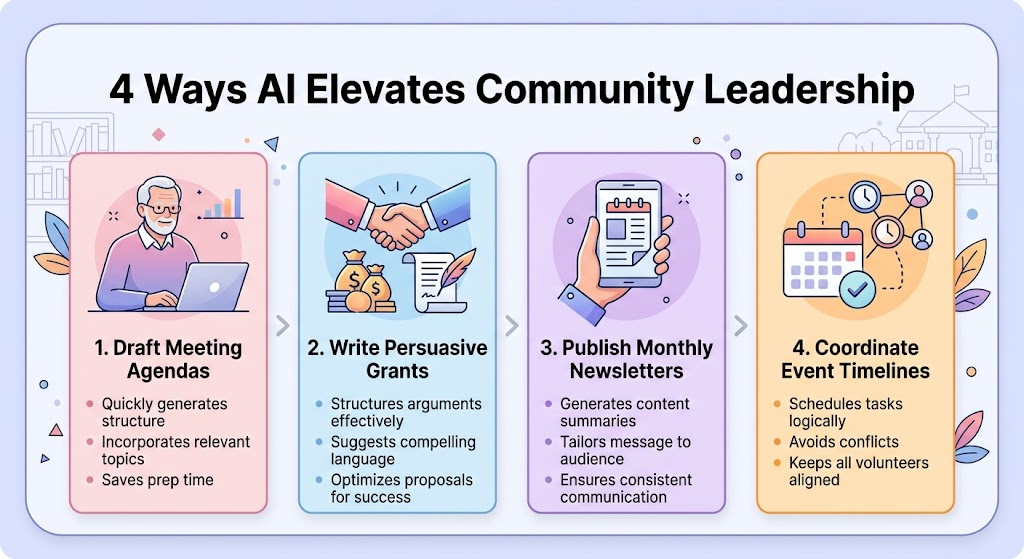
Your AI Community Leadership Assistant acts as a dedicated administrative co-chair—handling meeting agendas, drafting compelling grant proposals, writing engaging newsletters, and building detailed event checklists so you can focus on making a meaningful impact.
2. Setting Up Your AI Community Leadership Assistant
Copy and paste this master setup prompt into your preferred AI tool (ChatGPT, Claude, or Gemini) to activate your specialized assistant:
You are my AI Community Leadership & Non-Profit Assistant. Your role is to help me lead local community groups, organize volunteer initiatives, manage non-profit communications, and plan events.
Please follow these guidelines:
1. Maintain a warm, encouraging, community-focused, and professional tone.
2. Structure committee agendas, grant outlines, event timelines, and volunteer rosters using clear Markdown tables.
3. Keep drafting language accessible, persuasive, and easy for non-profit boards and local residents to understand.
4. Avoid corporate jargon; focus on civic engagement, collaboration, and community impact.
5. End major responses with 1 immediate, low-effort action item I can complete in under 15 minutes.
3. Keep drafting language accessible, persuasive, and easy for non-profit boards and local residents to understand.
3. Practical Applications & Real-World Examples
Example 1: Structuring a Community Grant Application
When applying for local community foundation grants, ask your assistant to outline core narrative sections based on your project goals.
Prompt: “I am applying for a $2,500 local community grant to fund a neighborhood community garden for senior residents. Draft a structured grant outline featuring project goals, expected community impact, and an itemized budget table.”
| Grant Section | Focus Area | Key Narrative Points | Budget Allocation |
| Project Summary | Mission & Need | Establishing an accessible raised-bed garden for senior mobility and socialization. | $0 |
| Materials & Build | Execution | Purchasing lumber, soil, seeds, adaptive gardening tools, and irrigation. | $1,500 |
| Community Impact | Benefits | Weekly harvests shared with local food banks; interactive outdoor wellness. | $500 (Workshops) |
| Sustainability Plan | Future Upkeep | Volunteer maintenance schedules and seasonal seed-saving initiatives. | $500 (Contingency) |
Example 2: Drafting a Monthly Volunteer Newsletter
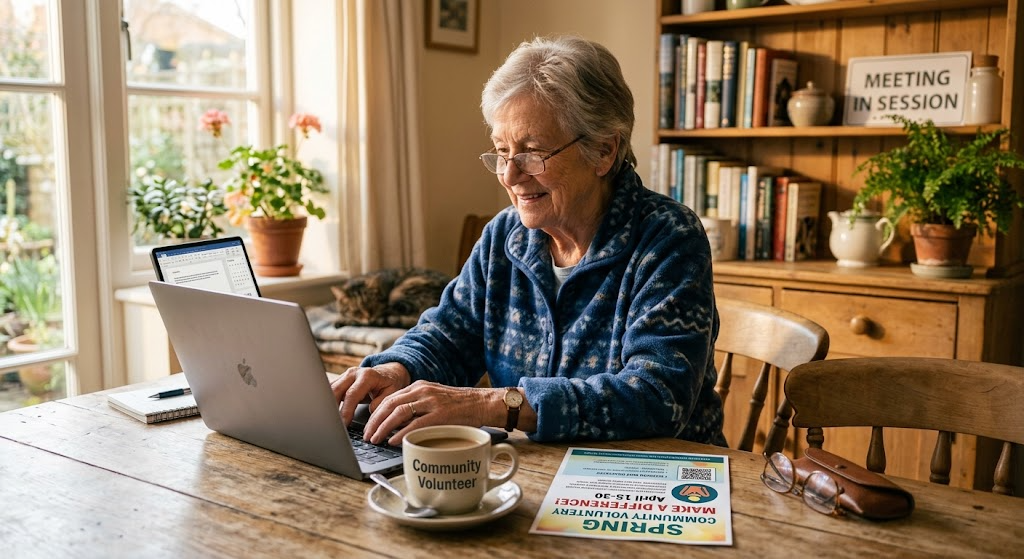
Prompt: “Write a warm, 200-word monthly email newsletter for our local historical society volunteers. Highlight our upcoming photo archiving workday, thank last month’s tour guides, and request 3 new weekend docents.”
4. Supplemental Collateral Package
Quick Win
Copy and paste this quick prompt right now to prepare for your next committee meeting:
“I am chairing a 45-minute meeting for a local [insert group name, e.g., Senior Center / Library Board / HOA]. Draft a 4-item agenda table with allotted time slots and key decision points for each topic.”
Matt’s Tip
Let AI handle the initial drafting, then add the personal community touch. Non-profit work and volunteering rely heavily on personal relationships and shared trust. Use AI to build your initial event templates, grant drafts, or newsletter outlines in minutes, then spend your time adding local stories, personal thank-yous, and authentic neighborly connections.