Tutorial 52
1. Introduction
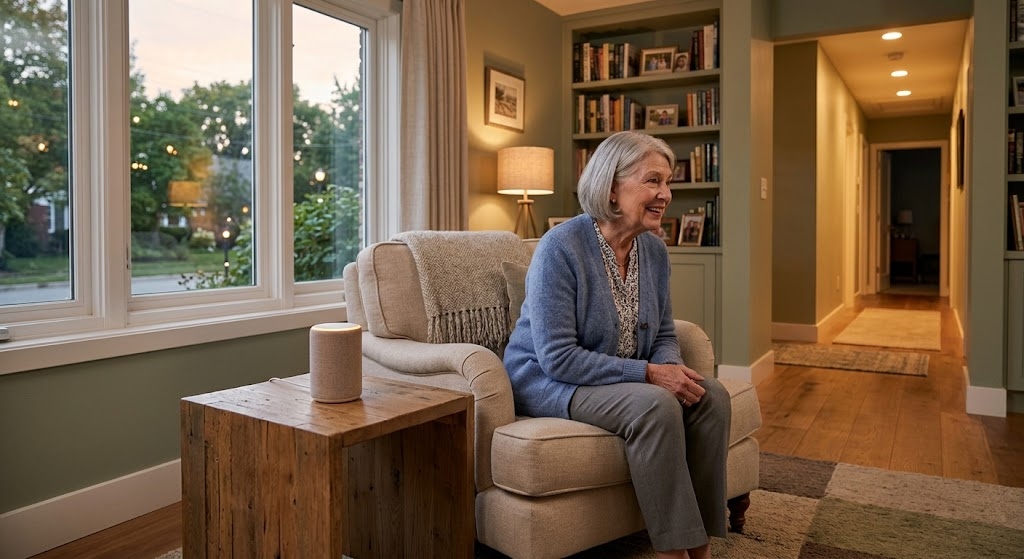
Welcome to Tutorial 52 of the Practical AI for Retirees series! Following our exploration of community leadership in Tutorial 51, this tutorial focuses on maximizing comfort, safety, and self-reliance within your own home. Maintaining personal independence is a top priority for active retirees, yet managing complex home technology, routine maintenance, and accessibility adaptations can feel overwhelming.
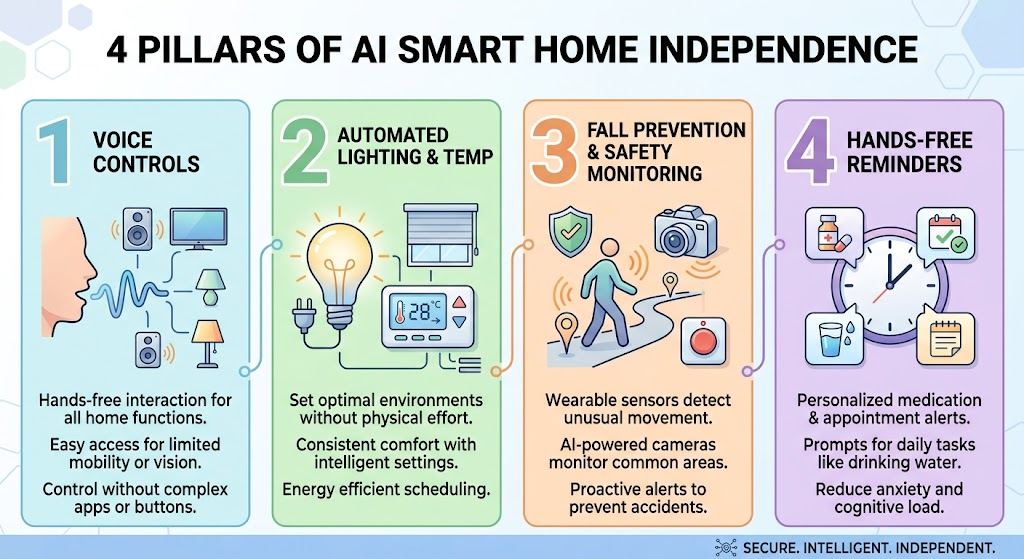
Modern ambient AI and integrated smart home assistants go beyond basic voice commands. By acting as an proactive AI Smart Home & Accessibility Companion, AI can help you design automated daily routines, configure voice-driven environmental controls, evaluate home safety retrofits, and set up non-intrusive safety check-ins—ensuring your home remains a safe, comfortable sanctuary as your needs evolve.
2. Setting Up Your AI Smart Home Companion
To ensure your AI provides clear, practical advice on home automation, safety, and accessibility without technical jargon, use a dedicated master setup prompt.
Master Smart Home Setup Prompt
Copy and paste this prompt into your preferred AI tool (ChatGPT, Claude, or Gemini) to activate your assistant:
“You are my AI Smart Home Independence & Accessibility Companion. Your role is to help me optimize my living space for comfort, safety, and long-term independence using simple technology and smart automation. Please follow these guidelines:
- Provide practical, step-by-step guidance on setting up smart home routines, voice controls, and accessibility features using plain, non-technical language.
- Focus on low-cost, non-intrusive solutions that preserve personal privacy and dignity.
- Organize smart home automation routines, safety checklists, and equipment comparisons using clear Markdown tables.
- Always prioritize safety, ease of physical access, and emergency readiness.
- End major responses with 1 immediate action item I can complete in under 15 minutes.”
3. Practical Applications & Real-World Examples
Example 1: Designing an Automated Morning & Evening Home Routine
Automating ambient lighting, temperature controls, and daily reminders helps create a stress-free environment while reducing physical strain.
Prompt: “Help me design a simple morning smart home routine (7:00 AM) and evening routine (9:00 PM) using voice assistants and smart plugs. Display the setup in a structured table.”
| Time | Target Area | Smart Action / Automation | Primary Benefit |
| 7:00 AM | Bedroom & Kitchen | Gently raise smart thermostat to 70°F (21°C); turn on soft bedroom lighting | Prevents morning chill; reduces fall risk in dark rooms |
| 7:15 AM | Living Room & Kitchen | Trigger smart plug to start coffee machine; broadcast verbal morning schedule | Hands-free convenience; structured start to the day |
| 9:00 PM | Exterior & Hallway | Lock smart front door lock; dim hallway lighting to low-level nightlight mode | Enhanced night safety; peace of mind before bed |
| 9:30 PM | Whole House | Voice check-in: ‘Confirm all exterior doors are locked and thermostat is set to 66°F’ | Eliminates need to walk through house late at night |
Example 2: Evaluating Home Accessibility Retrofits
If you are planning home modifications for mobility or vision support, ask your AI to evaluate accessible retrofits and smart safety additions.
Prompt: “I want to make my bathroom safer and more accessible to prevent slips and falls. Give me a checklist combining physical safety features with smart technology additions.”
4. Supplemental Collateral Package
Quick Win
Copy and paste this prompt right now to quickly secure your living space:
“Give me a 3-point checklist of the most essential low-cost smart home devices I can install myself to improve night safety and fall prevention around my home.”
Matt’s Tip
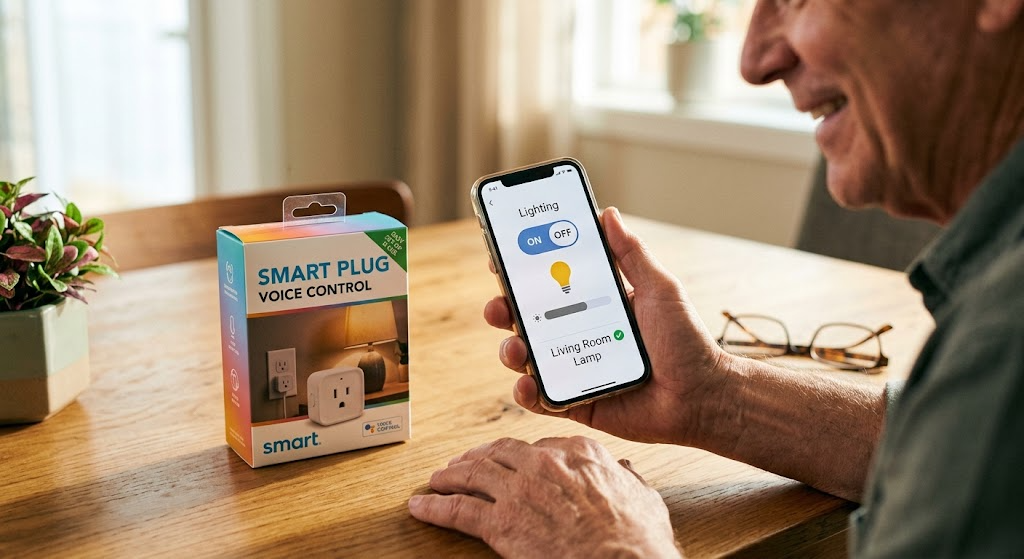
Start small with ‘set-and-forget’ automations. You don’t need to turn your entire house into a high-tech lab overnight. Begin with just one smart plug for a lamp or a single smart speaker in the kitchen. Once you experience the ease of voice-activated lighting or automatic schedules, you can add new pieces naturally at your own pace!